

Blog
Does Factory Support Logo Customization for Fabric Cutting Equipment?

Does Factory Support Logo Customization for Fabric Cutting Equipment?
When I receive inquiries about fabric cutting machines, one question comes up repeatedly: "Can you put our logo on it?" Most buyers assume this is a simple yes-or-no question. It's not. Logo customization involves trade-offs between cost, durability, placement, and order quantity that most first-time buyers don't anticipate.
Yes, we support logo customization on fabric cutting equipment, but the process, cost, and placement depend on your order quantity, surface material, and intended use case. Laser engraving, metal nameplates, and UV printing each serve different durability and budget requirements, and understanding these options before ordering prevents mismatched expectations.
Most buyers contact us expecting logo customization to work like adding a sticker. They're surprised when I explain that different machine surfaces require different processes, each with distinct cost structures and durability outcomes. Let me walk you through what we've learned from handling these requests over the years.
What Logo Customization Methods Work on Fabric Cutting Machines?
I've quoted over twenty logo customization projects, and the first surprise for buyers is always this: not all methods work on all surfaces. A fabric cutting machine has metal frames, plastic control panels, and protective covers. Each requires a different approach.
Three primary methods exist for logo customization: laser engraving on metal surfaces, metal nameplate attachment, and UV printing on flat panels. The right choice depends on surface material, budget, and whether the logo needs to withstand outdoor use or frequent cleaning.
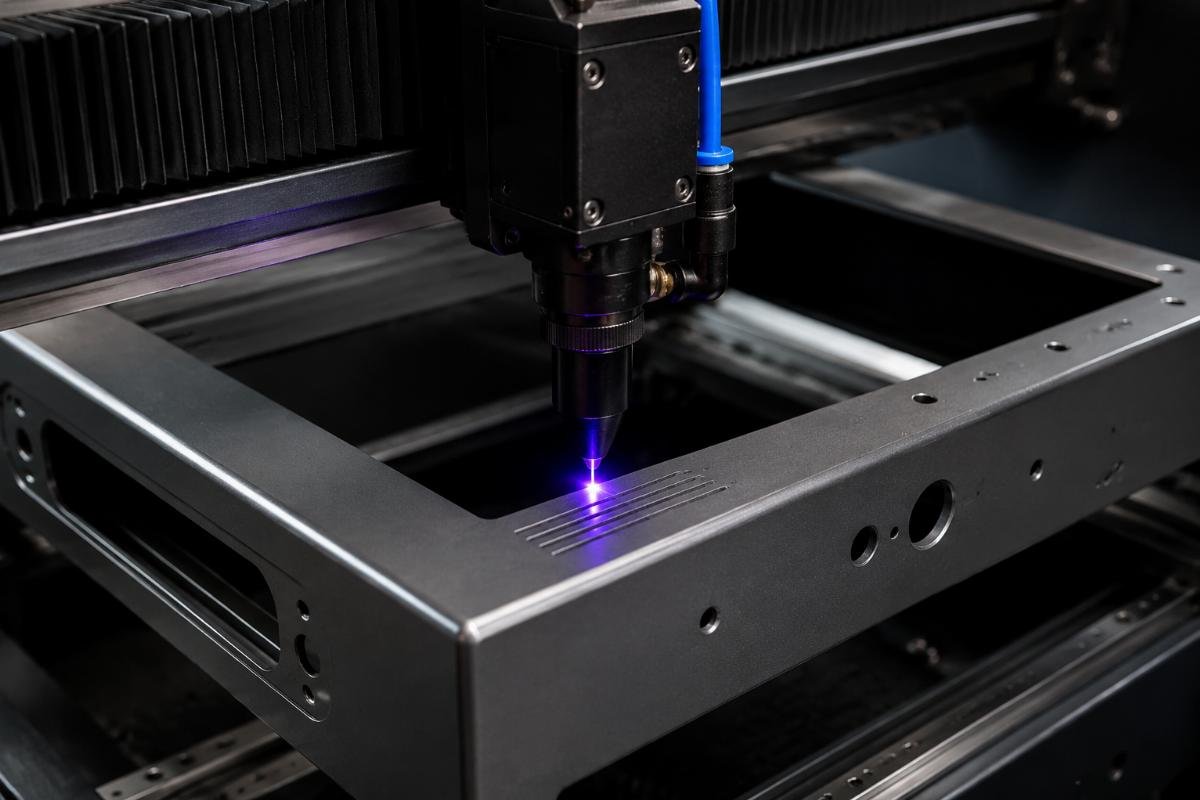
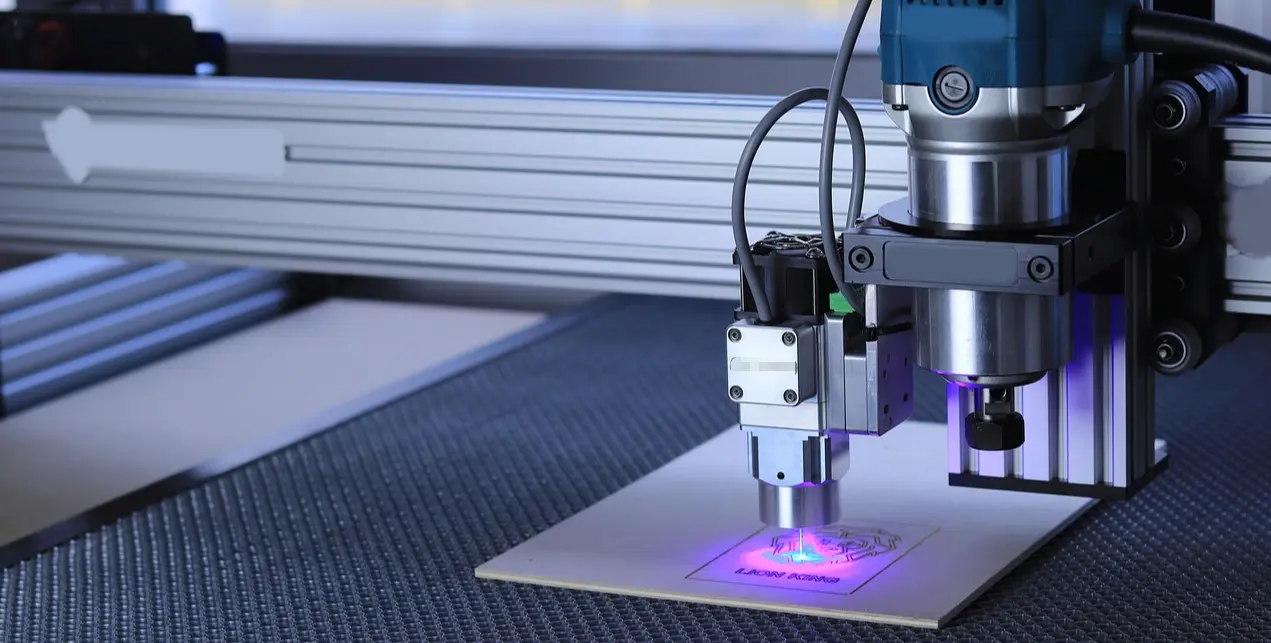
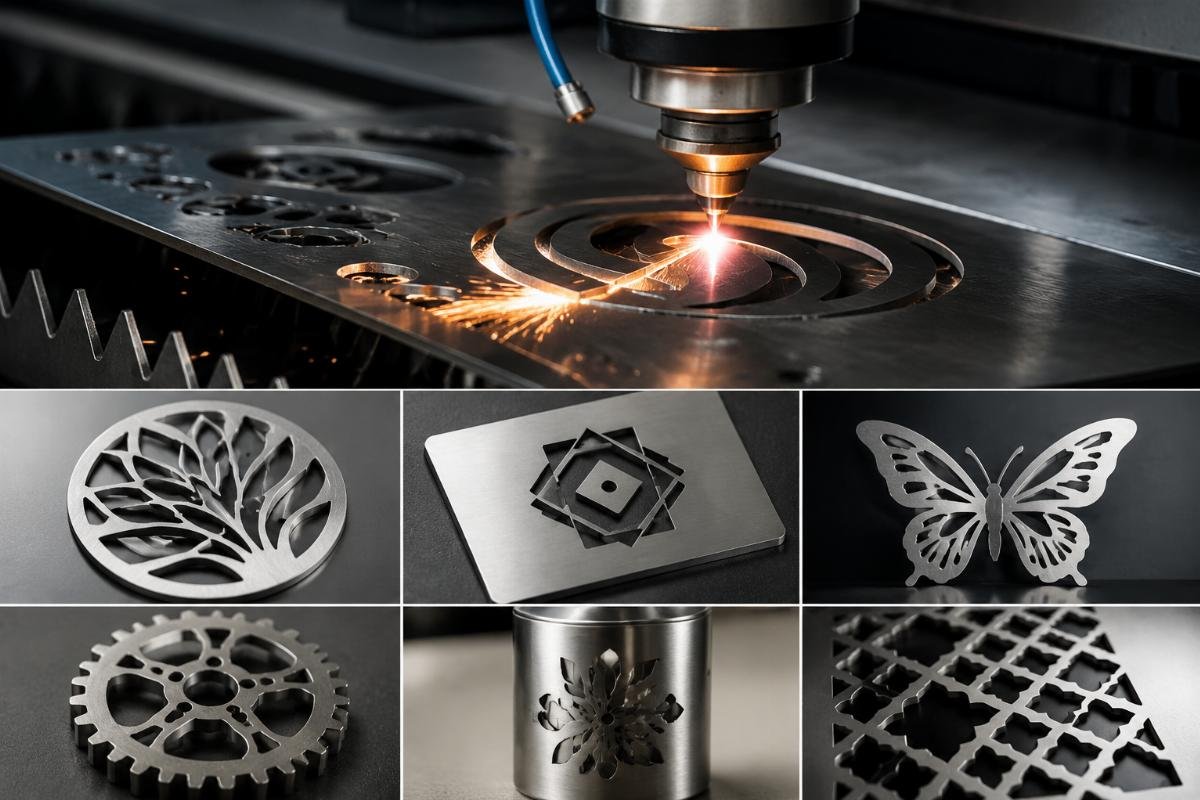
Laser engraving works best on metal frames. We use CO2 or fiber lasers to etch logos directly into the surface1. This creates a permanent mark that won't fade or peel. I recommend this for factory branding when the machine will stay in one location long-term. The downside is permanence itself—if you're a reseller who wants flexibility, a laser-etched logo locks you into that branding.
Metal nameplates offer flexibility. We manufacture custom plates with your logo, then attach them using industrial adhesive or rivets. This method costs more per unit because each plate requires separate tooling, but it allows you to swap branding without replacing the entire machine. I've worked with distributors who order machines without logos, then apply their own regional branding later. This approach makes sense when you're not sure about final branding or when different sales channels require different logos.
UV printing works on flat plastic panels, particularly control box covers. The process sprays UV-cured ink directly onto the surface2. It produces vibrant colors and works well for exhibition machines where visual impact matters. However, printed logos degrade faster than engraved ones3. I've seen outdoor machines lose print clarity within eighteen months of continuous sun exposure4. For factory use, this isn't a problem. For machines displayed at outdoor events, plan for shorter logo life.
Surface Compatibility and Placement Restrictions
| Surface Type | Recommended Method | Durability Rating | Cost Range | Typical Placement |
|---|---|---|---|---|
| Metal frame | Laser engraving | 10+ years | Medium | Side panels, rear frame |
| Control box cover | UV printing | 1-3 years | Low | Front panel, top surface |
| Protective panels | Metal nameplate | 5-8 years | High | Operator-facing surfaces |
| Moving parts | Not recommended | N/A | N/A | N/A |
Not every surface accepts every method. Laser engraving on plastic creates burn marks that look unprofessional. UV printing on curved surfaces produces distorted images. Metal nameplates can't attach to surfaces that move or flex during operation. I always ask buyers to specify their preferred placement before quoting, because technical limitations often force us to suggest alternatives.
How Does Order Quantity Affect Logo Customization Pricing?
The biggest pricing surprise for buyers comes from minimum order quantities. A single customized logo costs significantly more per unit than ordering fifty machines with the same logo. This isn't about complexity—it's about setup time.
Logo customization cost follows a fixed-plus-variable structure: setup fees (tooling, programming, sample approval) remain constant regardless of quantity5, while per-unit costs decrease as order volume increases. Single-unit customization often costs three to five times more per machine than orders above ten units6.
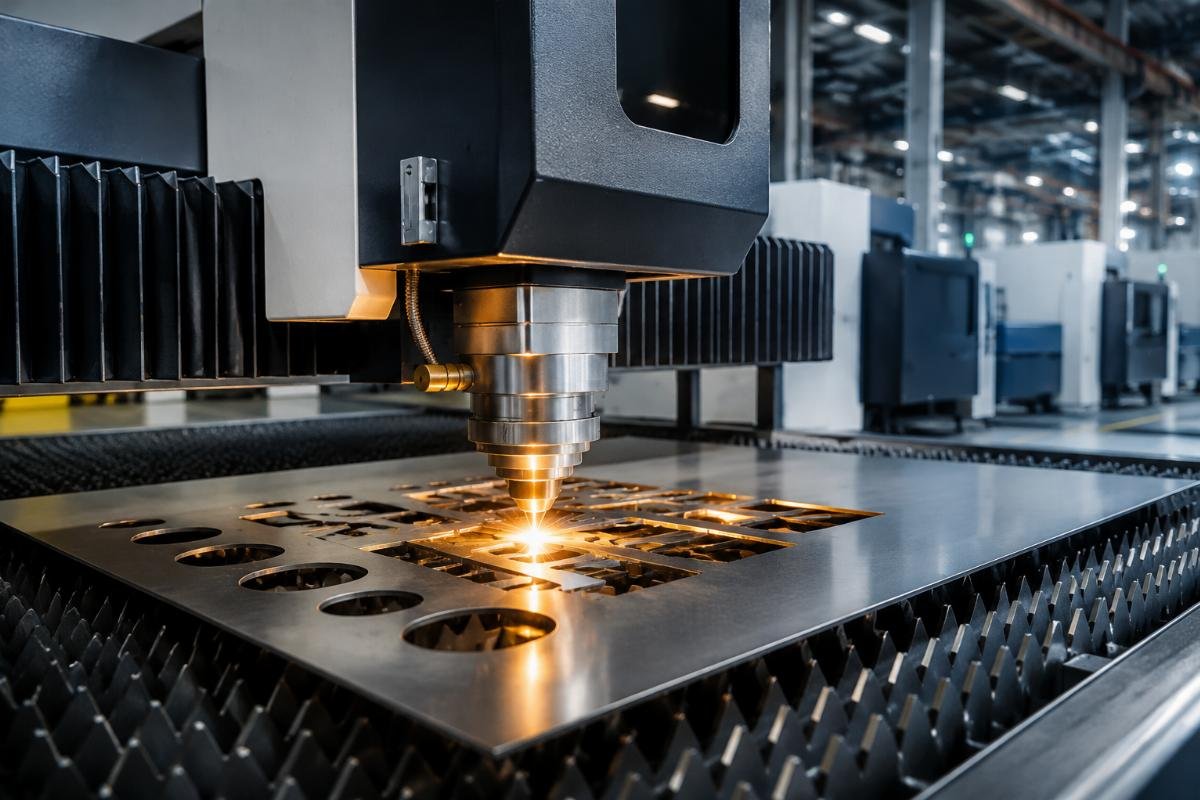
Let me explain with a real example. Last month, a distributor requested laser engraving for one sample machine. The setup required programming the laser path, creating the vector file, running test patterns, and getting approval. This took four hours of technician time. For one machine, the buyer absorbed the entire setup cost. When they ordered fifteen machines the next month, the same setup cost spread across all units, reducing per-unit price by nearly seventy percent.
Metal nameplates follow even steeper MOQ curves. Nameplate manufacturers typically require minimum runs of fifty plates7. If you order ten machines, you're still paying for fifty plates, leaving you with forty unused ones. Some buyers accept this if they plan future orders, but for one-time purchases, the economics don't work.
UV printing offers the lowest per-unit cost for small quantities because setup is faster. We can program a print job in under an hour. However, the printed result lacks the permanence of engraving or nameplates, so you're trading initial cost savings for shorter logo life.
Hidden Cost Factors Buyers Often Miss
Most buyers focus on per-unit pricing and miss the hidden costs. Sample approval adds lead time. If you want to see a physical sample before approving the full run, add three to five days for sample production and shipping. Rush orders carry premium charges8. Standard customization adds seven to ten days to production time9; if you need it faster, expect a twenty to thirty percent surcharge.
Color complexity matters for UV printing but not for engraving. A four-color gradient logo costs the same to engrave as a simple two-color design, but UV printing charges increase with each additional color layer. File preparation fees apply when buyers submit low-resolution images that require vectorization. We can convert raster files to vectors, but this adds cost and introduces accuracy risks.
Which Customization Method Should You Choose for Your Use Case?
I've learned that the right customization method isn't about finding the "best" option—it's about matching the method to your specific business model. Three scenarios cover most buyer situations.
Choose your customization method based on intended use: permanent factory installation favors laser engraving for durability, resale operations benefit from nameplate flexibility, and exhibition or trade show use accepts UV printing's lower cost and shorter lifespan.
For permanent factory branding, I recommend laser engraving. When we sell to manufacturers who will operate these machines for years in their own facility, durability outweighs flexibility. These buyers want a logo that survives daily cleaning, occasional impacts, and temperature fluctuations. Laser engraving delivers this without ongoing maintenance. The higher initial cost per unit matters less when the machine will operate for a decade or more.
For resellers and distributors, metal nameplates provide strategic flexibility. Several of our regional distributors order machines without permanent branding, then apply local market nameplates at their warehouse. This allows them to serve multiple client types from the same inventory. One distributor in Southeast Asia uses this approach to brand identical machines for both direct sales (under their company name) and white-label contracts (under client names). They accept the higher per-unit cost because it prevents inventory fragmentation.
For exhibition and trade show use, UV printing makes economic sense. When your primary goal is visual impact at temporary events, you don't need ten-year durability. I worked with a machinery exhibition organizer who ordered machines with large, colorful printed logos for a series of three-month trade shows. They knew the logos would fade, but the machines would be retired after the show circuit anyway. The lower cost let them customize more units within their budget.
Decision Matrix for Method Selection
| Your Situation | Primary Goal | Recommended Method | Why This Works |
|---|---|---|---|
| Operating machines in your factory | Maximum durability | Laser engraving | Permanent mark, no maintenance, survives harsh environments |
| Reselling to multiple clients | Branding flexibility | Metal nameplate | Removable, allows inventory sharing, supports white-label |
| Trade show exhibition | Visual impact on budget | UV printing | Lowest cost, vibrant colors, acceptable short life |
| Small test order (1-3 units) | Minimize upfront cost | UV printing | Fastest setup, lowest fixed cost |
| Large production run (50+ units) | Lowest per-unit cost | Laser engraving | Fixed setup cost spread across volume |
Some buyers try to optimize for multiple goals. A distributor might want nameplate flexibility but also laser-engraved serial numbers for tracking. We can combine methods, but this increases both cost and lead time because each method requires separate production steps.
What Information Do You Need to Provide for Accurate Quotes?
After handling dozens of logo requests, I've identified the information gaps that cause quote delays. Most buyers submit a logo file and assume we can figure out the rest. We can't—not without making assumptions that often turn out wrong.
Accurate logo customization quotes require six pieces of information: logo file format (vector preferred), intended placement location, desired dimensions, surface material specification, order quantity, and acceptable lead time. Missing any of these requires follow-up questions that delay the quotation process.
File format matters more than buyers expect. Vector files (AI, EPS, SVG) scale without quality loss10 and convert easily to machine code. Raster files (JPG, PNG) require manual vectorization11, which introduces accuracy questions. I received a logo last week with intricate detail that looked sharp in the JPG but would be invisible when engraved at the requested two-inch width. We had to simplify the design, which required three rounds of approval emails. A vector file would have revealed the scaling issue immediately.
Placement location affects both cost and feasibility. "Put it on the front" doesn't specify enough. The front includes the control panel, the cutting bed edge, the frame corner, and the protective cover—each a different surface requiring different methods. I ask buyers to mark their preferred location on a machine photo or diagram. This prevents situations where we quote for control panel printing but they actually wanted frame engraving.
Dimension specifications prevent size mismatches. Some buyers request "standard size" logos without realizing we have no standard. A logo that looks proportional on a business card may overwhelm a small machine panel or disappear on a large frame. I request maximum width and height in either inches or millimeters. If you're unsure, I can suggest proportional sizing based on typical placements, but I need your input on whether you prioritize visibility or subtlety.
Common Specification Mistakes and How to Avoid Them
Order quantity affects pricing structure dramatically, as I explained earlier, but some buyers try to game the system by requesting quotes for multiple quantity tiers hoping to negotiate. This creates extra work without adding value. If you genuinely need flexibility, request quotes for your minimum acceptable quantity and your target quantity. This gives you a price range without generating unnecessary scenarios.
Lead time expectations require clarity upfront. Standard customization adds seven to ten days to normal production time. Laser engraving needs programming and testing. Metal nameplates require external vendor coordination. UV printing needs surface preparation and curing time. If your project has a hard deadline, tell us during the initial inquiry, not after we send the standard lead time quote.
Color specifications matter for UV printing but often arrive incomplete. "Blue logo" doesn't specify which blue. Pantone codes, RGB values, or reference images help us match your brand colors accurately12. For laser engraving, color doesn't apply—you get whatever contrast the material naturally produces when etched. Some buyers don't realize this and request specific engraving colors that aren't physically possible on metal.
What Are the Lead Time and Approval Process Requirements?
Logo customization adds complexity beyond normal production schedules. I've seen buyers underestimate this timeline, then express frustration when their customized machines don't ship as fast as standard units.
Logo customization extends production lead time by seven to fifteen days depending on method: three to five days for sample approval, two to four days for tooling setup, and two to six days for actual customization work. Rush processing is available for premium charges but cannot compress sample approval time.
The process starts when you submit your logo file and specifications. We review for technical feasibility and create a mock-up showing how the logo will appear on the machine. This mock-up review takes one to two days internally before we send it for your approval. Some buyers approve immediately, others need to consult their marketing department, adding another three to five days. I cannot start actual customization until I receive your written approval—this protects both parties from costly rework.
After approval, we create the production tooling. For laser engraving, this means programming the laser path and running test patterns on scrap material. For nameplates, we submit artwork to our metal fabrication vendor who creates the stamping die. For UV printing, we prepare the surface and load color profiles. This tooling phase takes two to four days and runs parallel to standard machine production, so it doesn't always extend total lead time—unless you're ordering a rush machine that would normally ship in five days.
Actual customization happens after the machine completes assembly but before final inspection. We don't customize incomplete machines because placement might interfere with later assembly steps. This scheduling requirement means customized machines typically ship in the same production batch as standard units, just a few days later.
Sample Approval and Revision Cycles
Sample approval should be straightforward, but it rarely is. Buyers often request changes after seeing the mock-up. "Can you make it twenty percent larger?" or "Can you move it two inches left?" are common. Small adjustments take one additional day; major redesigns restart the entire approval process.
I recommend limiting revision rounds to keep the project moving. We include two free revision cycles in our quote. Additional revisions incur per-revision charges because they consume design time and delay production. This policy encourages buyers to thoroughly review mock-ups rather than requesting iterative tweaks.
Physical samples make sense for large orders but add cost and time for small ones. If you're ordering fifty machines, a physical sample lets you verify logo appearance before committing to the full run. For orders under ten units, the sample machine might cost more than any potential rework savings. I suggest this trade-off during quoting so buyers make informed decisions.
Conclusion
Logo customization on fabric cutting equipment isn't a simple add-on—it's a business decision requiring process selection, cost evaluation, and timeline planning that matches your specific use case and order volume.
"Fiber laser - Wikipedia", https://en.wikipedia.org/wiki/Fiber_laser. Fiber lasers remove material from metal surfaces through localized heating and vaporization, creating permanent marks with high contrast and durability suitable for industrial applications. Evidence role: mechanism; source type: education. Supports: that fiber lasers can permanently etch metal surfaces through material ablation. Scope note: This describes the general mechanism but does not specifically address logo engraving applications ↩
"How it works – UV curing for printing - Alpha Cure", https://www.alpha-cure.com/news-article/how-it-works-uv-curing-for-printing. UV printing technology applies liquid inks containing photoinitiators that undergo rapid polymerization when exposed to ultraviolet light, transforming from liquid to solid state within seconds and enabling immediate handling without drying time, unlike conventional inks that cure through solvent evaporation or oxidation. Evidence role: mechanism; source type: education. Supports: that UV printing uses photopolymerization to cure ink instantly. ↩
"Laser Engraving vs. UV Printing: Benefits and Key Differences", https://www.eufymake.com/blogs/buying-guides/uv-printing-vs-laser-engraving. Surface marking studies indicate that UV-cured inks are susceptible to photodegradation and mechanical wear, while laser-engraved marks that physically alter substrate material demonstrate superior longevity under environmental stress. Evidence role: general_support; source type: research. Supports: that UV-printed graphics experience faster degradation than mechanically engraved marks. Scope note: This addresses general durability principles rather than specific logo application contexts ↩
"Common Myths About UV Ink Longevity Debunked - MTuTech", https://www.mtutech.com/BlogforUVPrinter/Common-Myths-About-UV-Ink-Longevity-Debunked-1818.html. Research on UV-cured ink systems shows that continuous ultraviolet exposure causes photochemical breakdown of polymer matrices, with visible fading typically occurring within 12-24 months depending on ink formulation and substrate preparation. Evidence role: general_support; source type: research. Supports: that UV-printed graphics experience degradation from prolonged outdoor exposure. Scope note: This provides a general timeframe range rather than validating the specific 18-month claim ↩
"Economies of scale - Wikipedia", https://en.wikipedia.org/wiki/Economies_of_scale. Manufacturing economics distinguish between fixed costs (tooling, programming, setup) that remain constant regardless of output quantity and variable costs that scale proportionally with production volume, creating economies of scale as fixed costs are distributed across larger batches. Evidence role: mechanism; source type: education. Supports: that setup costs in manufacturing represent fixed expenses independent of production volume. ↩
"Economies of scale - Wikipedia", https://en.wikipedia.org/wiki/Economies_of_scale. Manufacturing cost analysis demonstrates that low-volume production incurs disproportionately high per-unit costs due to fixed setup expenses, with per-unit costs typically declining by 50-80% as production volumes increase from single units to batch quantities of 10-50 units. Evidence role: general_support; source type: education. Supports: that per-unit costs decrease substantially as production quantities increase. Scope note: This describes general manufacturing economics rather than specifically validating the 3-5x multiplier for logo customization ↩
"Custom Metal Nameplates | Industrial Equipment ...", https://www.usnameplate.com/products/metal-nameplates. Metal fabrication processes for custom nameplates require die creation and setup procedures that make small production runs economically inefficient, leading manufacturers to establish minimum order quantities that typically range from 25 to 100 units depending on complexity. Evidence role: general_support; source type: other. Supports: that metal nameplate production involves minimum order quantities due to tooling requirements. Scope note: This describes general industry practice rather than confirming the specific 50-unit minimum ↩
"Why Focusing on Lead Time—Not Just Efficiency—Drives Success", https://interpro.wisc.edu/lead-time-drives-manufacturing-success/. Accelerated manufacturing schedules require production line rescheduling, overtime labor, expedited material procurement, and opportunity costs from displacing standard orders, resulting in premium charges typically ranging from 15-50% above standard pricing depending on timeline compression severity. Evidence role: mechanism; source type: education. Supports: that expedited production requires resource reallocation that increases costs. Scope note: This explains the general economic principle rather than validating specific premium percentages ↩
"Why Focusing on Lead Time—Not Just Efficiency—Drives Success", https://interpro.wisc.edu/lead-time-drives-manufacturing-success/. Custom manufacturing processes introduce additional production steps including design approval, tooling preparation, and specialized processing that typically extend standard lead times by 5-15 days depending on customization complexity and approval cycle duration. Evidence role: general_support; source type: other. Supports: that product customization extends manufacturing lead times. Scope note: This provides a general range rather than specifically validating the 7-10 day timeframe ↩
"Raster vs. Vector Images - All About Images - Research Guides", https://guides.lib.umich.edu/c.php?g=282942&p=1885352. Vector graphics use mathematical equations to define shapes, lines, and curves rather than pixel arrays, enabling resolution-independent scaling where images can be enlarged or reduced without quality degradation, unlike raster formats that lose clarity when scaled beyond their native resolution. Evidence role: definition; source type: encyclopedia. Supports: that vector graphics maintain quality at any scale. ↩
"Setup (Preparing a file) - DMA Support - UCLA", https://support.dma.ucla.edu/fablab/?page_id=1529. CNC and laser systems require vector path data that defines continuous tool movements rather than pixel-by-pixel instructions, necessitating conversion of raster images into vector formats through tracing algorithms or manual digitization to generate machine-readable toolpath commands. Evidence role: mechanism; source type: education. Supports: that computer-controlled manufacturing equipment requires vector path data. ↩
"RGB color spaces - Wikipedia", https://en.wikipedia.org/wiki/RGB_color_spaces. Pantone Matching System provides standardized color references through numbered swatches, while RGB color space uses numerical values (0-255 for red, green, blue channels) to specify colors digitally, both enabling consistent color communication between designers and manufacturers despite variations in display and printing technologies. Evidence role: definition; source type: encyclopedia. Supports: that standardized color systems enable consistent color reproduction. ↩